

Key specs
In Depth
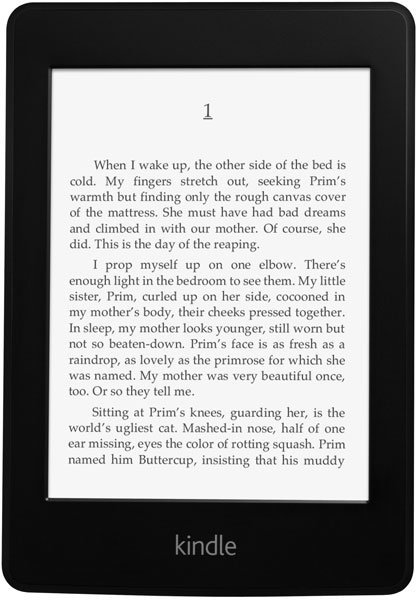
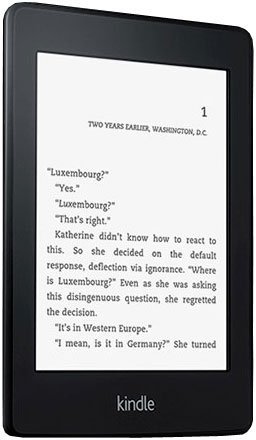
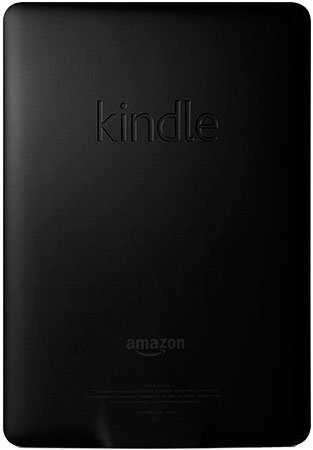
The Amazon Kindle Paperwhite is the latest version of the basic Kindle e-book reader from Amazon, and instead of the usual e-ink screen that most people have come to expect on similar devices, this one comes with a touch-enabled Paperwhite display. The Paperwhite display features built-in backlighting and a high-resolution touchscreen panel that makes it useful for reading whether you are in a dark room or in a sunny outdoor location. The screen itself measures 6-inches diagonally and supports multi-tough gestures just like most any touchscreen display found on the market today.
There’s 2GB of available internal storage, which means storage of up to nearly 1,000 books. Speaking of which, there’s also free Amazon cloud storage which can be used to back up books and download them on the go. Using 802.11 b/g/n Wi-Fi connectivity, downloads are usually completed in less than a minute’s time.
Charging is facilitated via a built-in USB port and the battery lasts up to 2 months per full charge with up to an hour of reading each day. It may not be the single best device out of all the models available in Amazon’s Kindle family, but for those who have been pining for a Kindle with built-in backlighting, this is definitely the one to get.
Need to Know: Amazon Kindle Paperwhite
1. Touchscreen display’s built-in backlighting makes it possible to read in dark rooms or during night time. (The Good)
2. Battery life lasts up to two months on a single charge. (The Good)
3. Lacks support for external storage cards. (The Bad)
4. Lacks hardware keys for menu navigation and character input. (The Bad)
What people actually want to know
When was the Kindle Paperwhite released?
The Kindle Paperwhite was released on October 1, 2012.
Where can I download the Kindle Paperwhite manual?
You can view and download the Kindle Paperwhite manual on our dedicated manual page.
Questions & answers
Have a question about the Kindle Paperwhite? Ask it here and we'll email you as soon as someone answers.
Finish the security check above to post your question.
Your name shows with your question.
✓ Question submitted. We'll notify you when someone answers.
We sent a verification link to . Click it to publish your question.
Can't find it? Check your spam folder.

New eReaders, honest advice.
One email when something worth knowing changes. No deal spam, no filler.