

Verdict
Key specs
In Depth
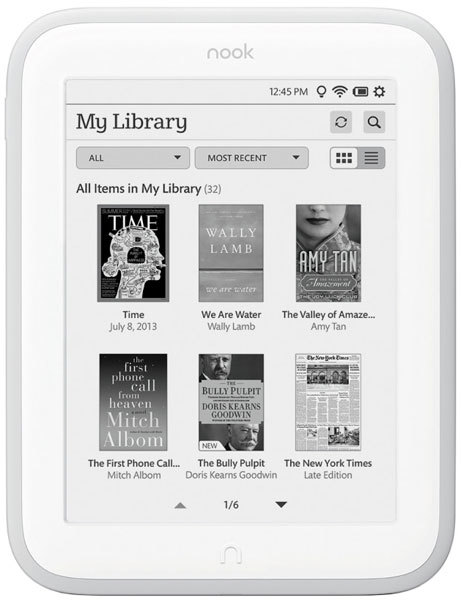
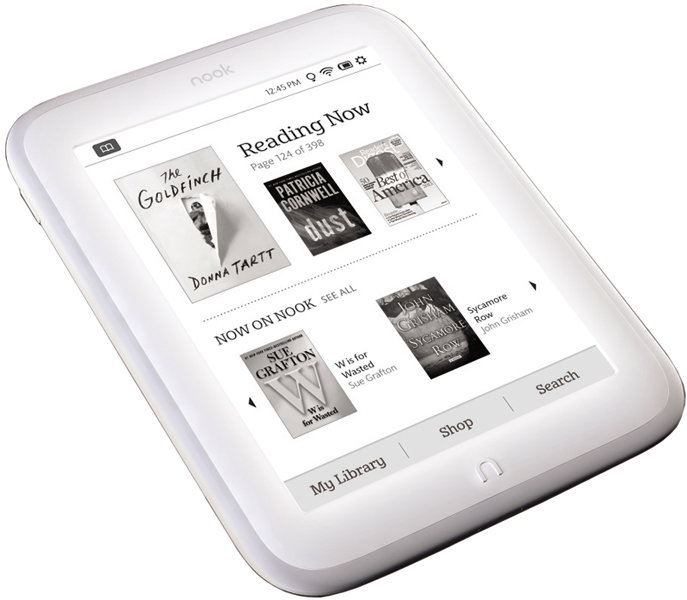
The Nook GlowLight is the second generation e-reader from Barnes & Noble and is designed to compete directly with Amazon’s Kindle Paperwhite. In order to get a leg up on its competition, Barnes & Noble’s has updated almost all of the features from its original Nook Simple Touch with GlowLight.
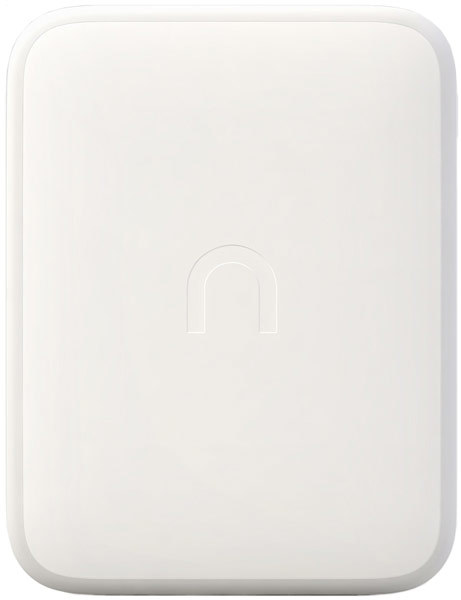
At 175 grams, the GlowLight is 15% lighter than the Kindle with which it competes, although it it’s slightly thicker at 0.42 inches. For a more streamlined look, Barnes and Noble’s removed practically all physical buttons except for the “n” shaped home button. In order to turn pages, you must now use the touchscreen. Unlike its competitors, this eReader utilizes infrared instead of capacitive touch, which, according to Engadget, actually makes the touch less accurate.
Aside from dimensions, the GlowLight also has a different look and feel from its predecessor. Out is the standard black and in is a white body color, which “makes the screen’s black text stand out…” according to The Verge.
In addition to a new color, the device also has a new rubber trim around the edges. Gizmodo notes that while the trim does help improve grip and protect it from inevitable drops, it also makes it a little too wide to fit into the back pocket of a pair of jeans. Luckily, the rubber grip is removable, however Good eReader cautions against taking it off as it exposes some assemblies and the motherboard.
In terms of hardware, the GlowLight offers a 1GHz processor, 4GB of onboard storage and a display resolution of 758 pixels. Critics note that the updated e-ink display is sharper, reduces image ghosting and eliminates full-page refreshes during reading. In addition to the display quality, the screen light also received an upgrade. Experts found the new light brighter and more uniform than its predecessor although PC Mag states that there are still issues such as “shadowing” and “blooming” at the top edge.
The only downgrade of the device is the removal of the microSD slot, though reviewers were more than happy with the amount of onboard storage.
Overall, critics find the Nook GlowLight to be an excellent e-reader though a bit underwhelming when compared to the competition. Digital Trends states, “It’s not a bad device…it’s just not a step forward” and CNET adds, “I do think the new GlowLight will help…retain…existing customers and maybe even acquire some new ones…”
What people actually want to know
When was the Nook GlowLight released?
The Nook GlowLight was released on October 30, 2013.
How long does the battery last on the Nook GlowLight?
The Nook GlowLight has a 1,530 mAh battery.
Where can I download the Nook GlowLight manual?
You can view and download the Nook GlowLight manual on our dedicated manual page.
Questions & answers
Have a question about the Nook GlowLight? Ask it here and we'll email you as soon as someone answers.
Finish the security check above to post your question.
Your name shows with your question.
✓ Question submitted. We'll notify you when someone answers.
We sent a verification link to . Click it to publish your question.
Can't find it? Check your spam folder.
New eReaders, honest advice.
One email when something worth knowing changes. No deal spam, no filler.